Verify a certificate
Check a Digital Navigator certificate.
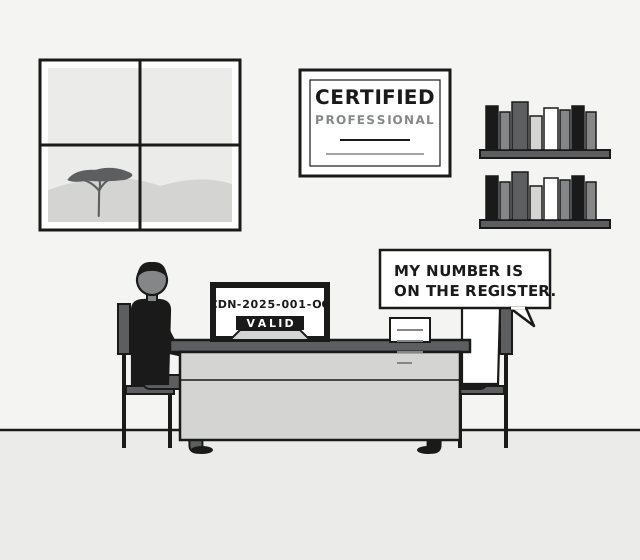
Enter the certificate number, for example CDN-2025-001-OG, or the holder's full name. The register shows who was certified, when, and whether the certificate is still valid.
Certificates are valid for two years from the date of issue.
Install Digital Navigator. On Android or desktop, open your browser menu and choose Install app. On iPhone or iPad, tap Share, then Add to Home Screen.
The register
Certificate check
What the check shows
| Field | Meaning |
|---|---|
| Certificate number | CDN-YYYY-NNN-XX, issued once per holder |
| Holder | Full name as printed on the certificate |
| Designation | Digital Navigator Certified Professional |
| Issued | Date the certificate was issued |
| Valid until | Two years after the date of issue |
| Status | Valid, or Expired after two years |
No match? Check the spelling or the number, then ask the team on WhatsApp. A certificate that is not on the register was not issued by Digital Navigator.

For employers
Hiring a Digital Navigator?
Ask for the certificate number and check it here before the interview. It takes seconds and the register is the only source of truth.