Certification examination
Sit the examination.
25 questions. 45 minutes. Pass mark 20 out of 25.
Your personal exam code gives you 2 attempts. Have it ready, sit somewhere quiet, and do it in one sitting.
Install Digital Navigator. On Android or desktop, open your browser menu and choose Install app. On iPhone or iPad, tap Share, then Add to Home Screen.
The rules
Read these before you begin
- Your exam code comes from the Digital Navigator team on WhatsApp after you pay US$18, or South Africa R300 - Botswana P240 - Zimbabwe US$18 - Zambia K370.
- One code gives 2 attempts. An attempt is spent the moment it starts.
- The code locks to the first candidate who uses it, by email address. It cannot be passed to anyone else.
- 25 multiple-choice questions in 45 minutes. The timer does not stop.
- The pass mark is 20 out of 25.
- Stay on the examination screen. Leaving it, switching tabs or windows, copying, pasting, right-clicking, printing or opening developer tools is flagged. 3 flags end the attempt.
- Closing or refreshing the page, or losing your connection, loses the session. It is not restored and it is not refunded.
- After 2 attempts the code is used up. Register and pay again for a new code.
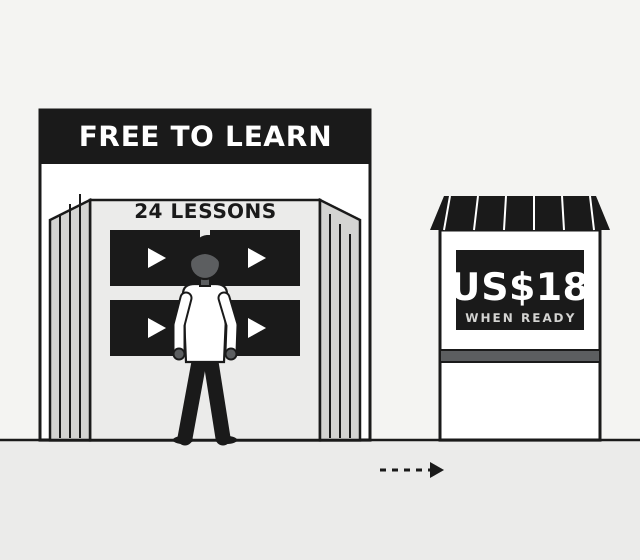
Not ready? The lessons are free and your code does not expire. Study first, then come back.